
Surf Guide
How to Use the Earnings Tab
 \
\
Earnings
The Earnings tab provides a summary of the funds currently available in your account. To see your earnings, simply connect your Stripe or PayPal account. Once connected, this tab will display the balance you have accrued from participating in brand communities and completing tasks.
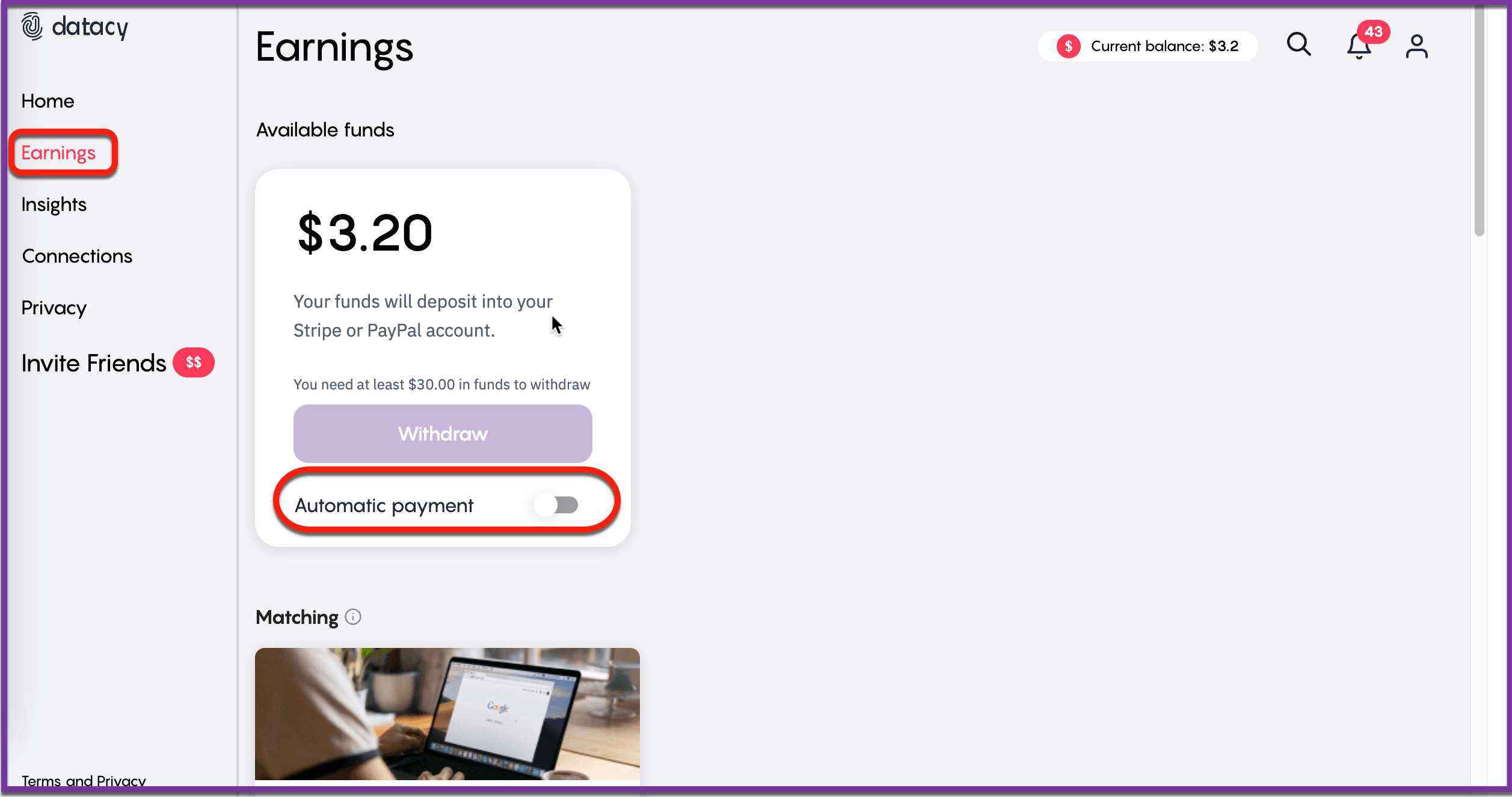
When your available balance reaches $30.00, you will be given the option to withdraw the funds to your connected Stripe or PayPal account. For convenience, you can enable automatic withdrawals by toggling the “Automatic Payment” switch to the “On” position. This ensures that every time your balance hits the $30.00 threshold, the funds are automatically transferred to your account.
Matching
The Matching section displays the brand communities you have successfully matched with and are currently earning weekly rewards from. It is crucial to maintain your standing within these panels to continue receiving rewards. To ensure you stay in good standing, make sure that the Surf Chrome Extension is always active while you browse. This allows you to exhibit authentic and genuine browsing behavior, which is necessary for sustaining your panel membership.
Other Opportunities
The Other Opportunities section showcases additional brand communities that you can engage with to earn extra rewards. To get matched with these panels, simply continue your natural browsing behavior, especially if it includes topics related to product categories like Facial Skin Care or Laundry Items. When your browsing aligns with the interests of these panels, you’re more likely to be matched and earn more rewards.
Should you have any questions or suggestions, please get in touch with the Surf Customer Support Team by sending an email to [email protected].