
Surf Guide
Connect Surf with Stripe

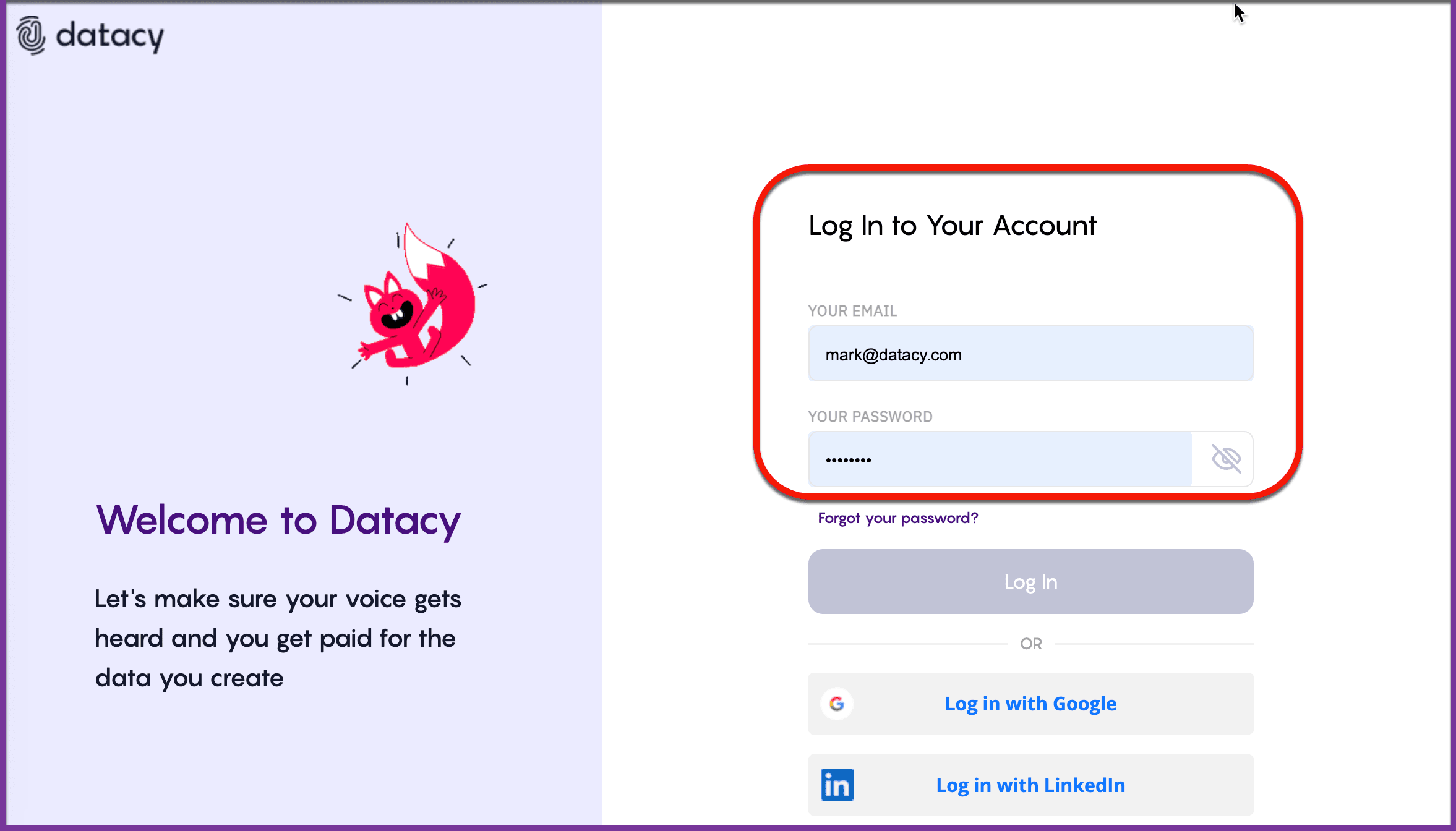
Step 1: Log into Your Dashboard
Visit this link and log into your account.
Step 2: Navigate to “Matches & Activity”
On the left side of the page, click on “Matches & Activity.”
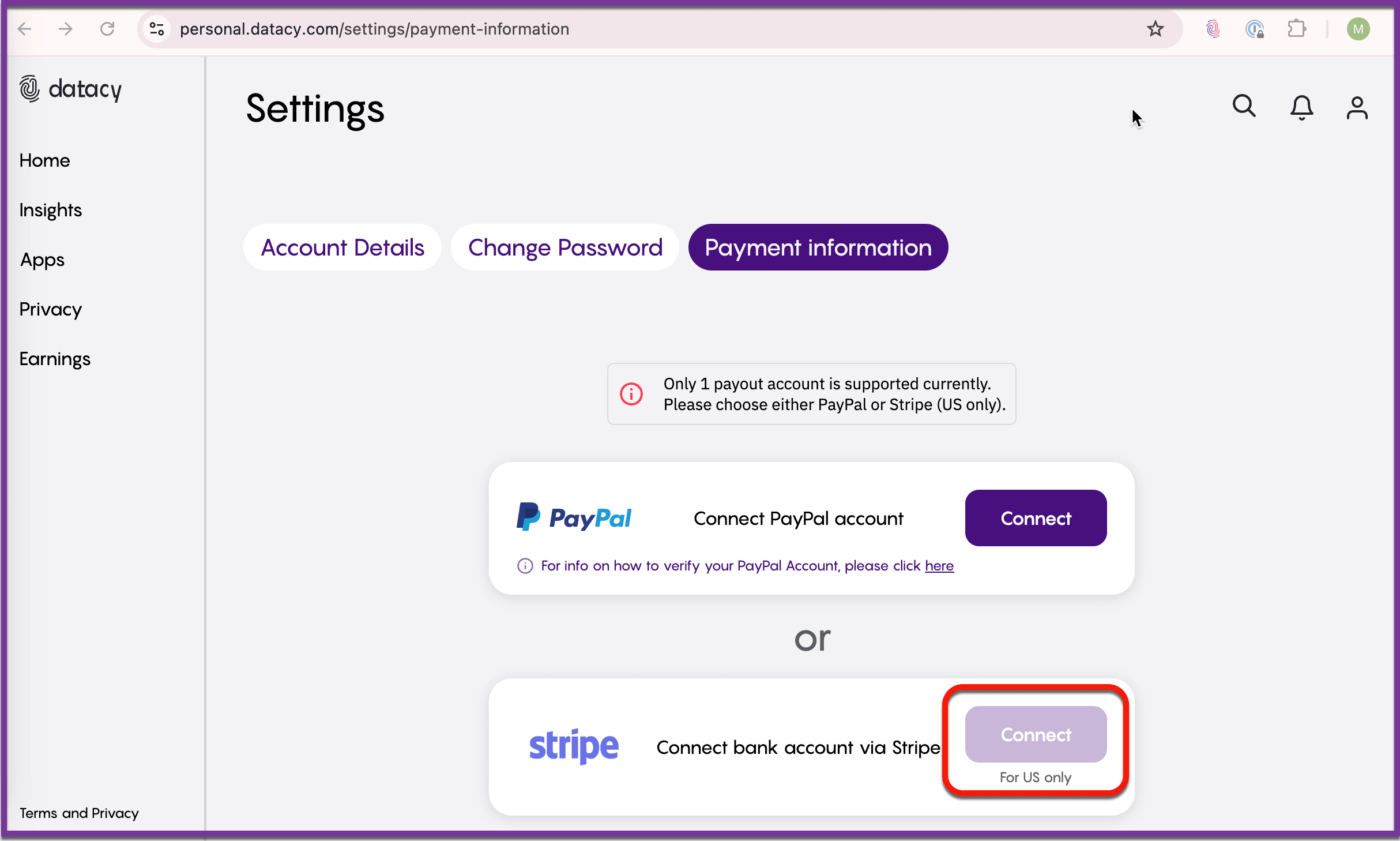
Step 3: Connect Your Bank Account
Click the “Connect” button next to “Connect bank account via Stripe.”
Step 4: Enter Your Information
Provide your name and link your bank account or debit card to complete the setup.
Note: You don’t need to be a business to set up a Stripe account. Simply use your personal information and disregard any business-related wording when you register on the Stripe website, here.
Should you have any questions or suggestions, please get in touch with the Surf Customer Support Team by sending an email to [email protected].